CodeCanyon setup · Mobile
How to set up WRTeam News App and Web
WRTeam’s News App pairs an admin panel with a Flutter reader app and a Next.js site. Use one draft story to check how editorial changes reach both reader surfaces before moving a live publication.
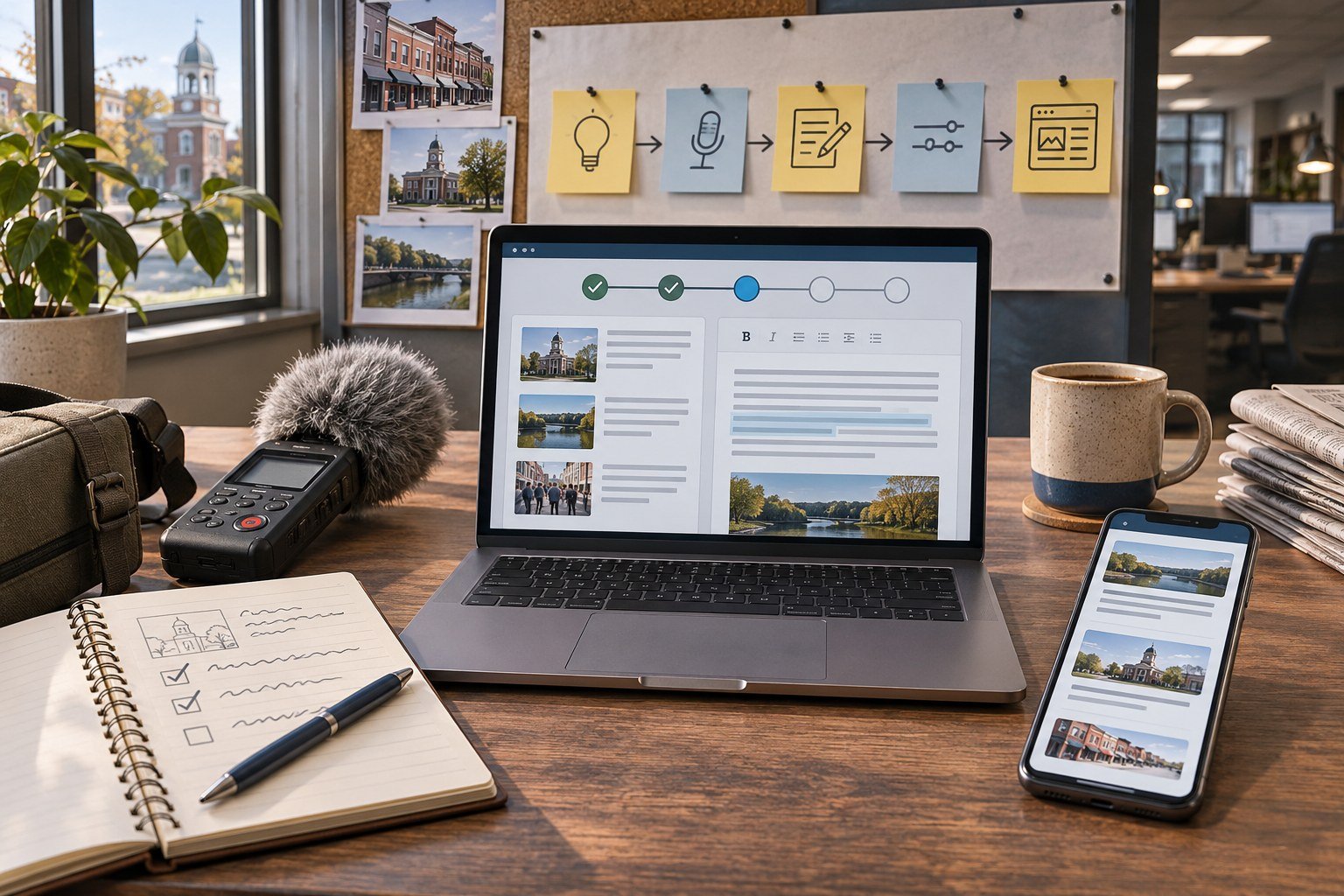
Set up and test the first workflow
Prepare the newsroom backend
Check the PHP and database requirements for the downloaded package. Create an empty database, unpack the admin source in the intended HTTPS host and open that host to start its installer. Complete the wizard, verify the admin login and follow WRTeam’s scheduled task instructions where needed.
Connect the website and app
Set up the Flutter dependencies and app settings for your version, and connect the app to the staging admin service. Follow WRTeam’s Next.js guide for the web setup. Choose the documented deployment approach based on whether your publication needs the SEO enabled web build and provision the Node.js hosting it requires.
Publish and correct a staging story
Create a test section and a sample story with a headline, photo and byline. Publish it, check the story page on the website and a phone, then correct the headline and verify the update on both. Review alerts and account permissions if they are in scope.
Brand it for your business
TechCSC can configure the publication’s identity, editorial sections, app branding and hosting. We can review supported settings for ads, languages and notifications within the product and licence you select.
Keep the publication domain and app publisher accounts with the owner. Document who can publish or correct articles, and test that workflow after updates.
Troubleshooting and buying questions
Where is the installation folder?
WRTeam told a buyer that installation and purchase verification are integrated into the application startup flow. Open the configured admin URL to start the wizard. A separate install folder is not required for the documented flow.
What if the translated home page title cannot be edited?
A buyer reported a problem with the Portuguese home page title. WRTeam asked for details through its support channel and offered to investigate. The public discussion provides no confirmed fix. Record the affected locale and build, and compare the same page on staging before changing production.
Get setup or troubleshooting help
Tell us your product version, intended workflow, hosting setup and what is failing. A redacted error or screenshot helps us scope the work. Keep passwords and purchase codes private.
Send a setup enquiry ↗ · WhatsApp TechCSC ↗ · admin@techcsc.com