CodeCanyon setup · Mobile
How to set up FluxStore Shopify
FluxStore Shopify turns an existing Shopify store into a branded Flutter shopping app for Android and iOS. It is a mobile storefront, so plan the Shopify catalogue and checkout first. This guide uses InspireUI's installation help and public comments, with a proposed acceptance test from TechCSC. It is not an independently tested installation report.
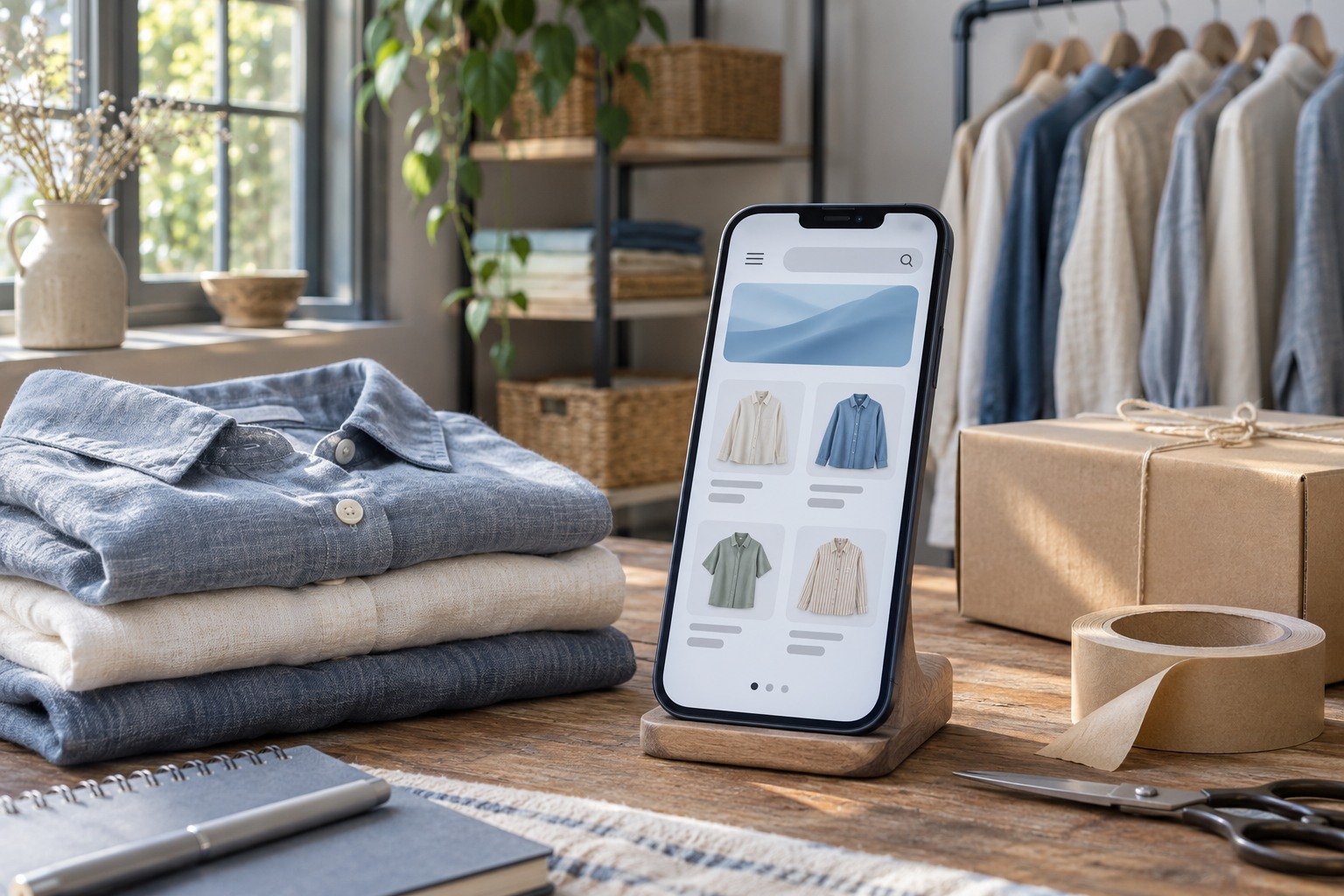
Set up and test the first workflow
1. Prepare the store and choose a build method
Have a working Shopify store, a valid FluxStore Shopify purchase and owner-controlled developer accounts. Read the current Getting Started and release notes before selecting a Flutter version. InspireUI documents both FluxBuilder configuration and source-code editing. Check the features and build entitlement of your purchase rather than assuming every builder service is included.
2. Create the storefront connection
InspireUI's current guide uses Shopify's Headless channel: create a storefront, review Storefront API permissions and obtain its access token. Connect your own store URL. It also flags Shopify's 2026 custom-app changes. Avoid old admin-screen instructions and copied demonstration tokens; keep the connection specific to your store.
3. Configure and design your app
For source editing, set the shopify serverConfig, store URL and token in lib/env.dart; leave the optional WordPress blog empty if unused. For FluxBuilder, create the app, connect the store and run Troubleshoot. Use the release's purchase-registration instructions, then customise the navigation, categories and brand assets.
4. Validate checkout against the installed release
The installation guide warns that payment support differs between its older Checkout API and newer Cart API integrations. Confirm the supported path for your installed release with InspireUI. Test your enabled methods on devices; an existing Shopify website plug-in is not automatically a matching native app feature.
5. Run a realistic shopping test before store submission
Our suggested pilot uses a product with variants and a discount: browse, select a size, add it to the cart, close and reopen the app, then complete a permitted test checkout. Check stock, delivery charges, customer emails and the resulting Shopify order. Test ordinary product photos as well as any SVG media you use. Repeat on both target platforms before preparing store listings and review materials.
Read the author guides: Current Shopify installation manual ↗ · FluxBuilder store connection ↗ · Shopify app release notes ↗ · Product and edition overview ↗
Brand it for your business
TechCSC can connect your store, configure the supported layout, replace your app name and visual assets, and prepare the agreed Android/iOS builds. We can also investigate gaps between your Shopify website and the app. Confirm product, builder and plug-in entitlements before scoping custom integrations; branding does not grant redistribution or unrestricted multi-client rights.
Keep the Shopify store, product licence, store accounts and signing assets under your ownership. We recommend handing over a configuration inventory, source changes, test results and the release-specific update procedure. Shopify and app-store fees remain separate, and store approval is a later review decision.
Troubleshooting and buying questions
The FAQ reflects actual FluxStore Shopify comments reviewed on 28 November 2026. Buyer reports describe particular installations; the visible replies do not establish a universal bug or a released fix.
Can I use custom payment methods and an app builder?
InspireUI replied that custom payment methods can use WebView payment and that FluxBuilder is available for configuring the UI. The newer installation guide also discusses Cart API differences. Confirm your installed version and checkout method before relying on an older reply for a specific payment integration.
Why do some SVG product images fail?
A buyer reported failures with SVG URLs containing query parameters and with complex SVG styling. The author asked for a support ticket; the visible discussion did not confirm a shipped fix. Share a redacted example URL and your app version with TechCSC so we can reproduce the problem and scope an appropriate change.
Should I test whether the cart survives closing the app?
Yes. A buyer reported losing cart contents after fully closing and reopening the app. InspireUI directed them to support without publishing a resolution in the visible thread. Include that exact reopen scenario in your acceptance test; do not assume every version is affected or already fixed.
Get setup or troubleshooting help
Tell us your product version, intended workflow, hosting setup and what is failing. A redacted error or screenshot helps us scope the work. Keep passwords and purchase codes private.
Send a setup enquiry ↗ · WhatsApp TechCSC ↗ · admin@techcsc.com